What Intune Is For
Summary
This note explains what Intune is actually for in practical admin work. The goal is to understand it as a device and endpoint management layer rather than just another Microsoft portal.
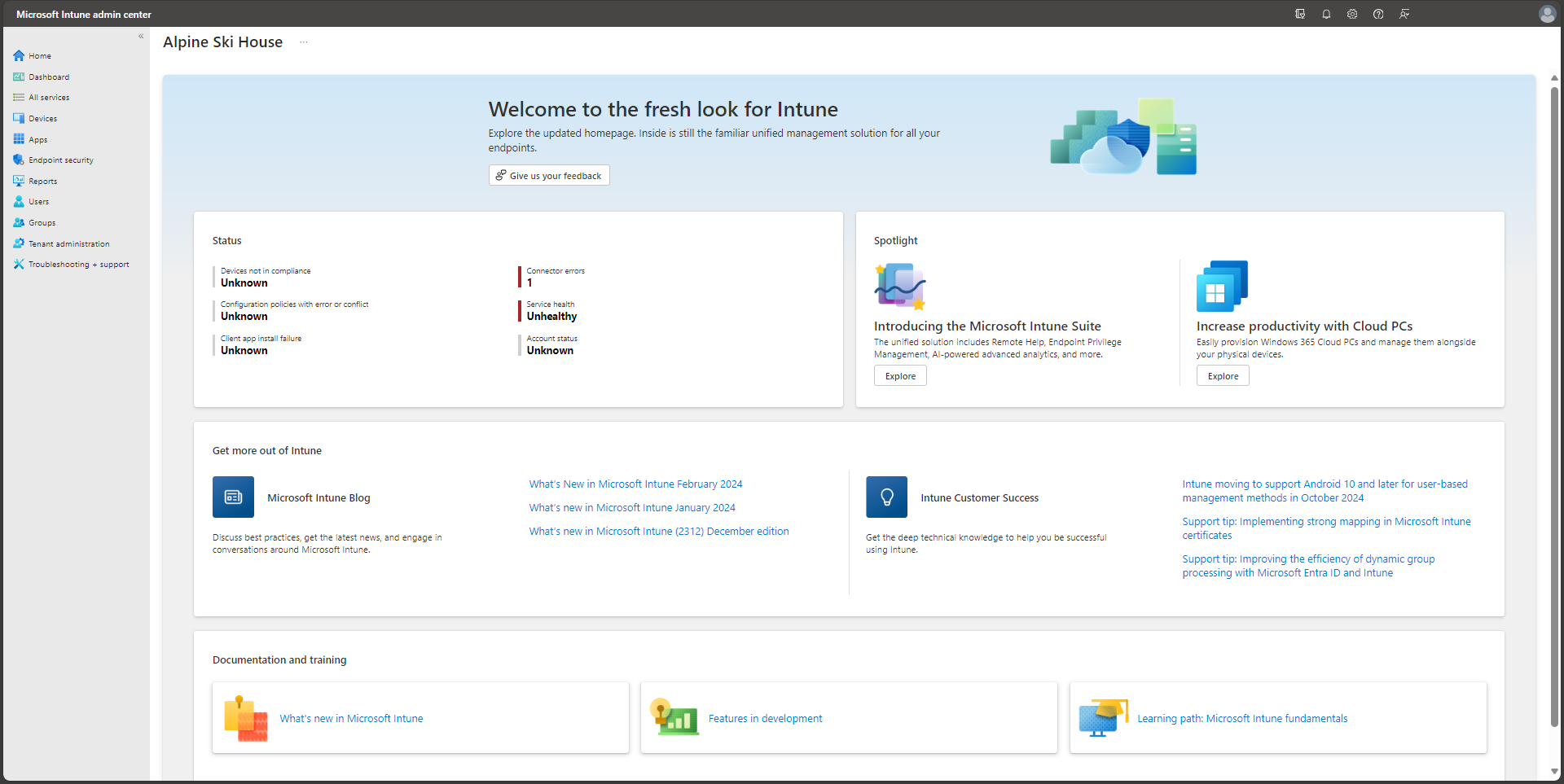
Official Microsoft view showing a typical Intune-style management screen for devices and endpoint administration.
Why this matters
- Intune is central to modern workplace administration and endpoint support
- many device issues make more sense once you see them as enrollment, compliance, policy, or assignment problems
- it connects strongly with identity, user lifecycle, and endpoint management work
Environment / Scope
| Item | Value |
|---|---|
| Topic | Intune purpose and role |
| Best use for this note | building a device-management mental model |
| Main focus | enrollment, policy, compliance, apps |
| Safe to practise? | yes |
Key concepts
- Enrollment - bringing a device under management
- Policy - configuration or security settings applied to devices
- Compliance - whether the device meets required conditions
- App deployment - delivering managed applications to devices
- Assignment - how users or device groups receive policy or apps
Mental model
Think about Intune like this:
device identity + enrollment -> policy and app assignment -> device state and support outcomeThis means support issues often depend on:
- whether the device is enrolled
- whether the correct policy applies
- whether compliance or assignment is blocking something
Everyday examples
| Situation | Why Intune matters |
|---|---|
| device does not receive expected settings | policy or assignment issue |
| managed app is missing | deployment or group targeting issue |
| device is blocked from access | compliance or device state issue |
| support needs to confirm management status | enrollment and device record matter |
Common misunderstandings
| Misunderstanding | Better explanation |
|---|---|
| ”Intune is just app pushing” | it also covers policy, compliance, device state, and management workflow |
| ”If the user is licensed, the device must be fine” | device enrollment and assignment still matter |
| ”Intune and Entra ID are the same” | Intune manages devices; Entra ID manages identity |
| ”One device issue means one app issue” | device state, policy, and compliance may all be involved |
Verification
| Check | Expected result |
|---|---|
| Device exists in management context | enrolled device record is present |
| Policy scope makes sense | device or user is targeted correctly |
| Compliance state is clear | device is compliant or reason is visible |
| Support outcome is traceable | you can explain whether issue is policy, app, or device state |
Pitfalls / Troubleshooting
| Problem | Likely cause | What to check |
|---|---|---|
| Policy not applied | assignment or enrollment issue | targeted group, device state |
| App missing | deployment scope issue | assigned group and app status |
| Device blocked unexpectedly | compliance problem | compliance state and requirements |
| Support feels portal-heavy | weak device-management mental model | enrollment, policy, compliance flow |
Key takeaways
- Intune is about device management, policy, compliance, and app delivery
- user and identity context still matter, but device state is its own layer
- many endpoint issues become simpler once you check enrollment and assignment first