Local Device vs Managed Device Context
Summary
This note explains why a Windows issue can look different on a local standalone device versus a managed corporate-style endpoint. The goal is to understand when policy, enrollment, or management state changes the troubleshooting path.
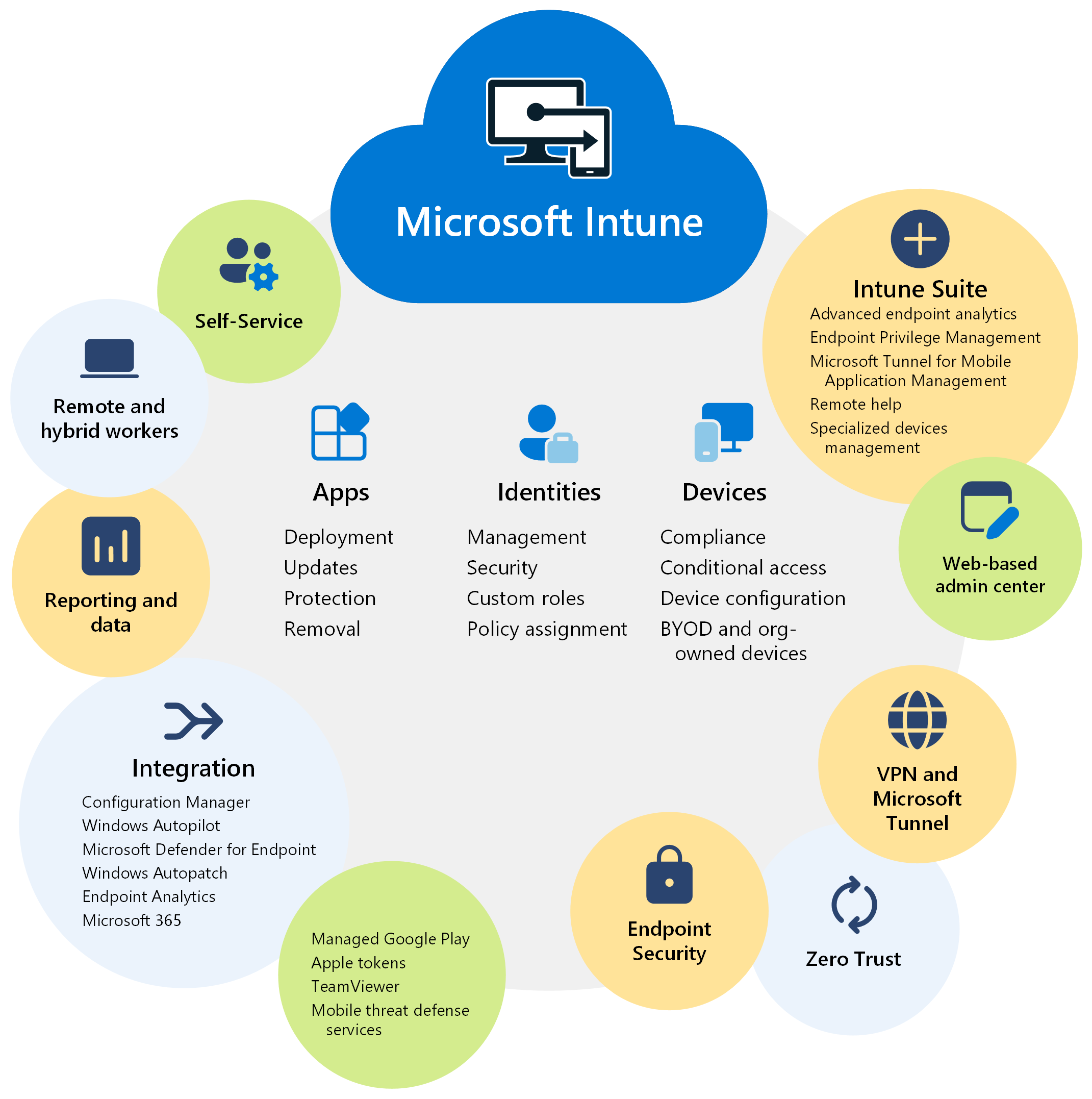
Official Microsoft Intune screenshot showing the management context that can change how a Windows device should be understood and supported.
Why this matters
- modern support work often involves devices affected by tenant, policy, or management state
- the same symptom can have different causes on unmanaged and managed devices
- this note helps connect Windows support with Microsoft and Intune thinking
Environment / Scope
| Item | Value |
|---|---|
| Topic | support context difference |
| Best use for this note | deciding whether issue is local-only or management-related |
| Main focus | local state, enrollment, policy, device management |
| Safe to practise? | yes |
Key concepts
- Local device context - what is true on the device itself regardless of external management
- Managed device context - how policy, compliance, enrollment, and tenant settings affect the device
- Policy effect - settings applied by a management platform
- Enrollment state - whether the device is under management and in what condition
Mental model
Think about it like this:
local device problem
or
managed device problem
or
both at the same time
This means:
- some issues are purely local
- some only make sense once you include policy and management
- some need both layers checked together
Everyday examples
| Situation | Likely context |
|---|---|
| app missing only on one unmanaged test VM | local device issue more likely |
| same app missing on managed corporate-style endpoint | policy or assignment may matter |
| sign-in works but access is limited on one enrolled device | managed device state may affect outcome |
| settings keep reverting | management policy may be overriding local changes |
Common misunderstandings
| Misunderstanding | Better explanation |
|---|---|
| ”Windows is Windows, so troubleshooting path is the same” | managed context can change what controls the device |
| ”If I can change the setting locally, the issue is solved” | policy may overwrite it later |
| ”One device problem means local-only problem” | enrollment or compliance can still be involved |
| ”Intune issue means local checks are not needed” | local device state still matters too |
Verification
| Check | Expected result |
|---|---|
| Device context is clear | local-only or managed status is understood |
| Enrollment or management state is known | managed path is confirmed or ruled out |
| Policy influence is considered | settings are not treated as local-only by default |
| Troubleshooting path is narrower | fewer irrelevant checks |
Pitfalls / Troubleshooting
| Problem | Likely cause | What to check |
|---|---|---|
| Local fix keeps disappearing | policy override | management context |
| Support work is split between local and cloud with no model | weak device-context thinking | local vs managed ownership |
| Managed device issue treated as local-only | policy or assignment missed | enrollment and compliance state |
| Local device issue treated as tenant-wide | scope misunderstood | compare managed vs unmanaged path |
Key takeaways
- device context matters: unmanaged and managed devices can behave differently for the same symptom
- local checks still matter even in managed environments
- support improves when you ask early whether policy or enrollment changes the problem