Users, Services, and Event Logs
Summary
This note explains three core parts of Windows support work: users, services, and event logs. The goal is to understand why so many Windows issues can be narrowed by checking identity context, background service state, and recorded events.
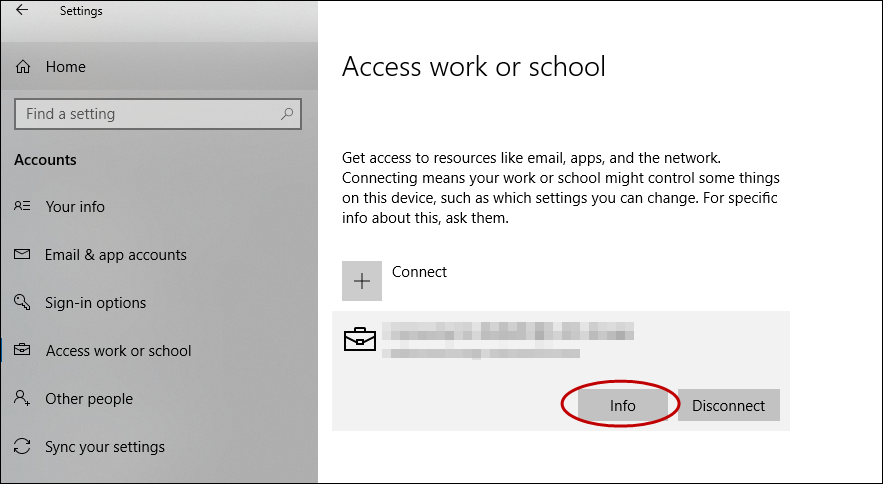
Official Microsoft screenshot showing Event Viewer in a troubleshooting workflow, which is the kind of evidence source this note refers to.
Why this matters
- many Windows support issues are really user-context, service-state, or log-reading problems
- these checks often reveal more than UI symptoms alone
- they connect strongly to Microsoft admin, endpoint troubleshooting, and security work
Environment / Scope
| Item | Value |
|---|---|
| Topic | Windows support fundamentals |
| Best use for this note | understanding key support layers |
| Main focus | user state, services, event evidence |
| Safe to practise? | yes |
Key concepts
- User context - who is signed in and what permissions or profile state apply
- Service - a background component that supports system or application behaviour
- Event log - recorded Windows events that help explain what happened and when
- Evidence trail - the useful history that helps you move from symptom to explanation
Mental model
When a Windows problem appears, ask:
- is this tied to one user or any user?
- is a required service running correctly?
- do the logs show a meaningful failure or warning around the same time?
That usually narrows the issue much faster than trying random fixes.
Everyday examples
| Situation | What to think about first |
|---|---|
| one user cannot open an app | user context or profile issue |
| app works only after restart | service state may be unstable |
| issue appears after sign-in | user, service start order, or policy timing |
| issue seems mysterious | event logs may contain the useful clue |
Common misunderstandings
| Misunderstanding | Better explanation |
|---|---|
| ”If the window does not open, it is purely a GUI problem” | background service or user context may be the real issue |
| ”Logs are only for advanced troubleshooting” | event logs are often one of the most useful first checks |
| ”All users are affected the same way” | user context can change what actually fails |
| ”Service running means service is healthy” | it may still be misconfigured or unstable |
Verification
| Check | Expected result |
|---|---|
| User scope is clear | one user vs many is understood |
| Service state is known | required service status is verified |
| Logs were checked | timeline includes event evidence |
| Symptom is narrower | possible cause becomes clearer |
Pitfalls / Troubleshooting
| Problem | Likely cause | What to check |
|---|---|---|
| Issue keeps being treated as app-only | service or user context ignored | user scope and service state |
| Logs feel noisy | wrong event source or time range | event context and timing |
| Service shows running but problem remains | wrong dependency or config issue | dependent services, recent logs |
| One user fix does not help others | problem scope misunderstood | broader user or device context |
Key takeaways
- user context, services, and event logs are some of the strongest first checks in Windows support
- logs and services often explain what the UI does not
- support gets easier when you test scope before assuming cause