How the Microsoft Admin Ecosystem Fits Together
Summary
This note explains how the main Microsoft admin pieces fit together at a high level. The goal is to build a practical mental model for Microsoft 365, Entra ID, Intune, and related admin work instead of treating them like isolated tools.
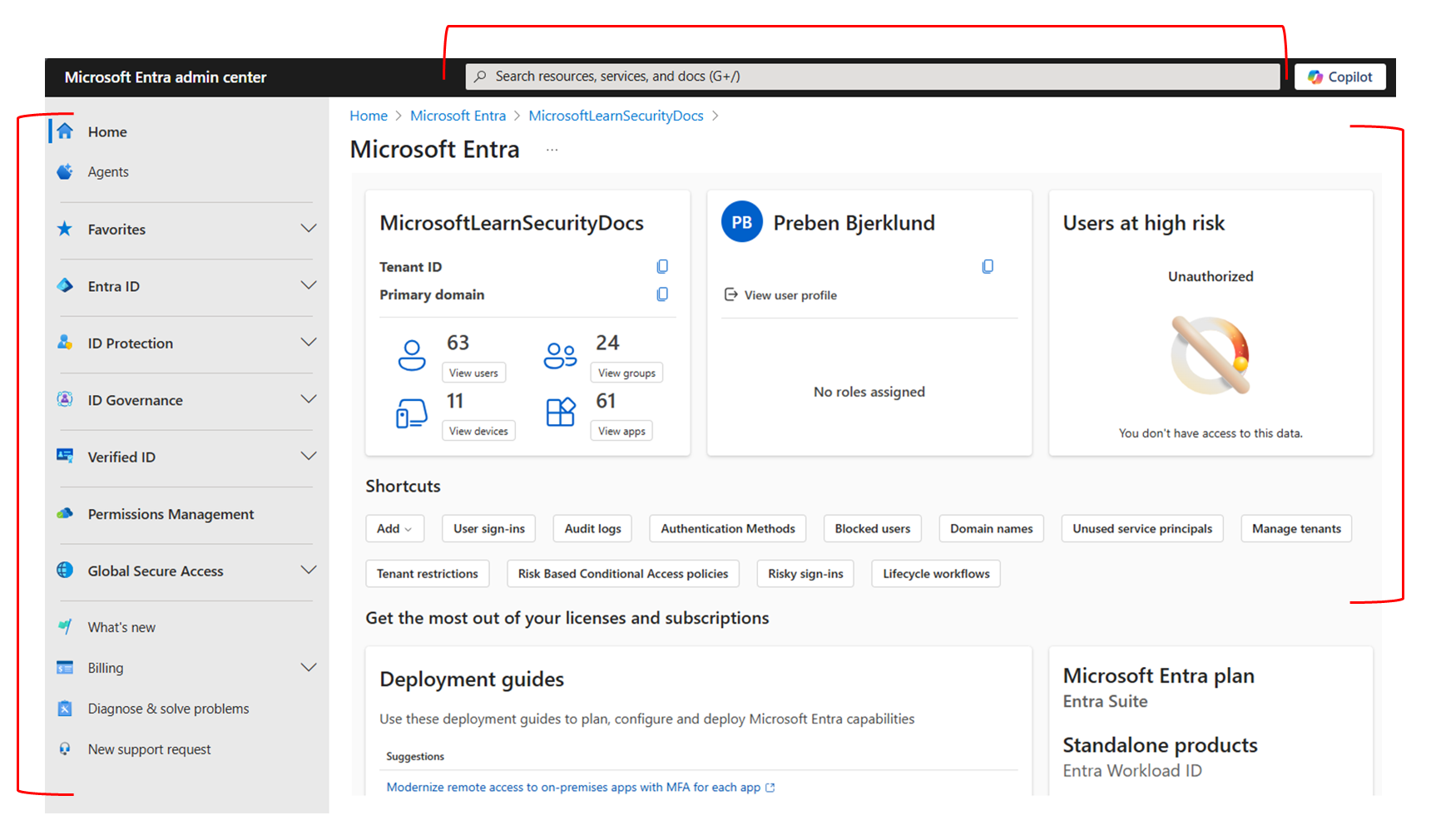
Official Microsoft screenshot showing the Entra admin center home view as one of the central places in the wider Microsoft admin ecosystem.
Why this matters
- Microsoft environments are easier to support once you can see the relationships between tenant, identity, devices, and apps
- many admin and troubleshooting tasks involve more than one portal or service
- a clear mental model helps avoid “portal confusion” when learning the ecosystem
Environment / Scope
| Item | Value |
|---|---|
| Topic | Microsoft admin ecosystem overview |
| Best use for this note | building a support/admin mental model |
| Main focus | tenant, identity, devices, apps |
| Safe to practise? | yes |
Key concepts
- Tenant - the organisation’s Microsoft cloud environment
- Microsoft 365 - the broader platform for productivity, collaboration, and admin services
- Entra ID - identity and access layer for users, groups, and sign-in
- Intune - endpoint and device management layer
- Admin portals - interfaces used to manage different parts of the environment
Mental model
Think about the environment like this:
tenant
-> users and groups in Entra ID
-> devices managed through Intune
-> apps and collaboration services in Microsoft 365
This means:
- identity often starts in Entra ID
- device management often sits in Intune
- user-facing productivity services sit in Microsoft 365 apps and portals
Everyday examples
| Task | Which part is most relevant |
|---|---|
| create a user and assign access | Entra ID and Microsoft 365 admin |
| manage device compliance or policy | Intune |
| troubleshoot sign-in issue | Entra ID |
| support Teams or SharePoint access | Microsoft 365 plus identity context |
Common misunderstandings
| Misunderstanding | Better explanation |
|---|---|
| ”Microsoft 365 is just Office apps” | it also includes admin, collaboration, identity-linked, and support workflows |
| ”Entra ID and Intune do the same thing” | identity and device management are related, but different |
| ”One portal tells the whole story” | support work often needs more than one admin view |
| ”User problem means only app problem” | access, licensing, identity, and device state may all be involved |
Verification
| Check | Expected result |
|---|---|
| Tenant model is clear | you can explain where users, devices, and apps fit |
| Identity role is clear | Entra ID is understood as the access layer |
| Device role is clear | Intune is understood as the management layer |
| Support flow is clearer | tasks feel less portal-driven and more model-driven |
Pitfalls / Troubleshooting
| Problem | Likely cause | What to check |
|---|---|---|
| Admin task feels confusing | weak tenant/identity/device mental model | which service owns the issue |
| Same user issue appears in many portals | problem spans identity, licensing, and app access | tenant relationships |
| Device support is hard to reason about | Intune role not yet clear | enrollment, compliance, device identity |
| Learning feels fragmented | tools studied separately without one model | tenant overview first |
Key takeaways
- Microsoft admin work becomes easier when tenant, identity, device, and app roles are separated clearly
- Entra ID and Intune are connected but not interchangeable
- many support tasks make more sense when you ask which layer owns the issue